Creator ads
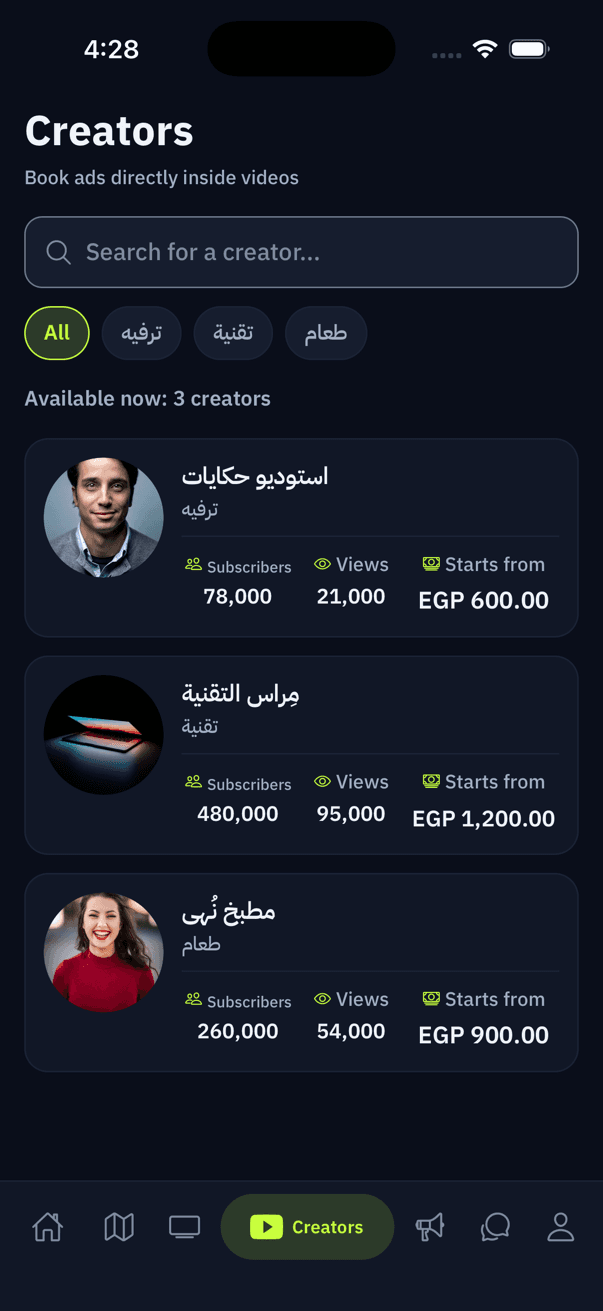
Book an ad inside a creator's videos. Send a brief, and pay only after the creator accepts it.
- Intro mention
- Mid-video segment
- Dedicated segment
- Short video
- Story
The Egyptian advertising platform
Send a booking request, agree with the media owner and follow your campaign from approval to proof of play.
The platform reviews every screen, channel and creator before advertisers can see it.
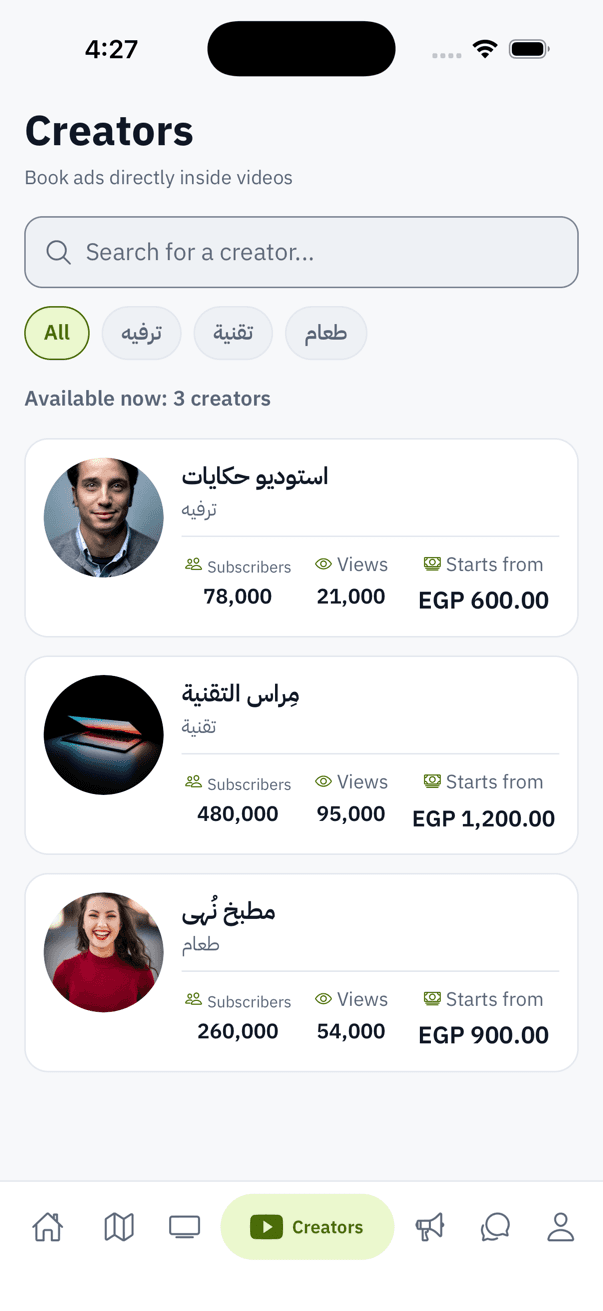
Book an ad inside a creator's videos. Send a brief, and pay only after the creator accepts it.
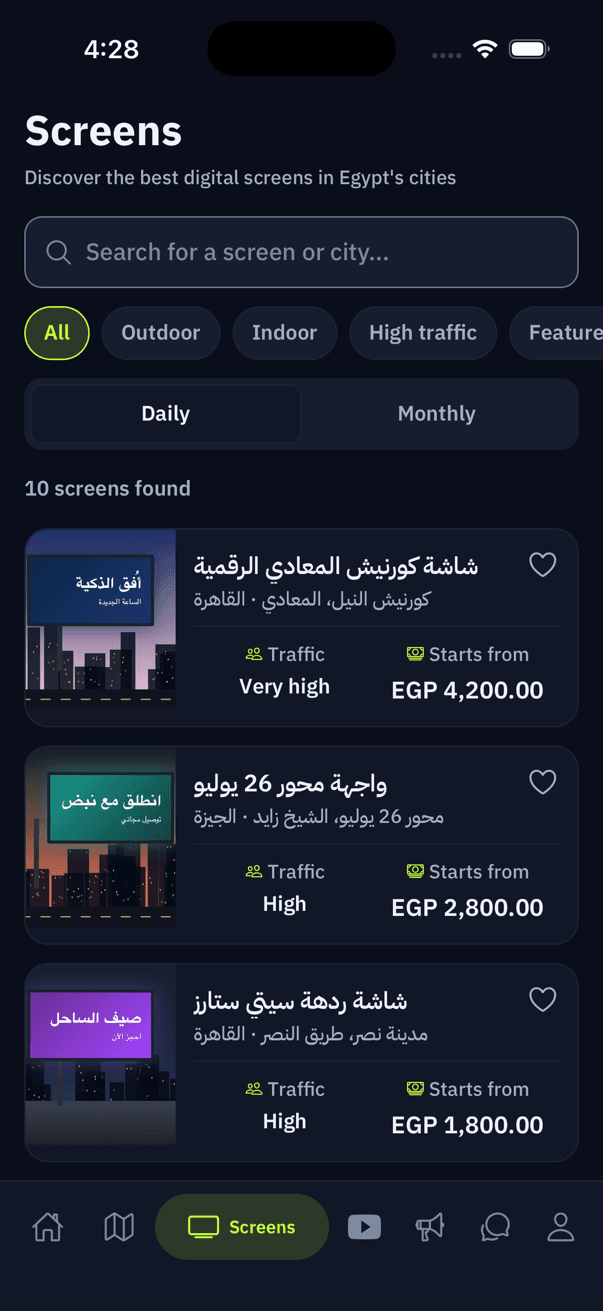
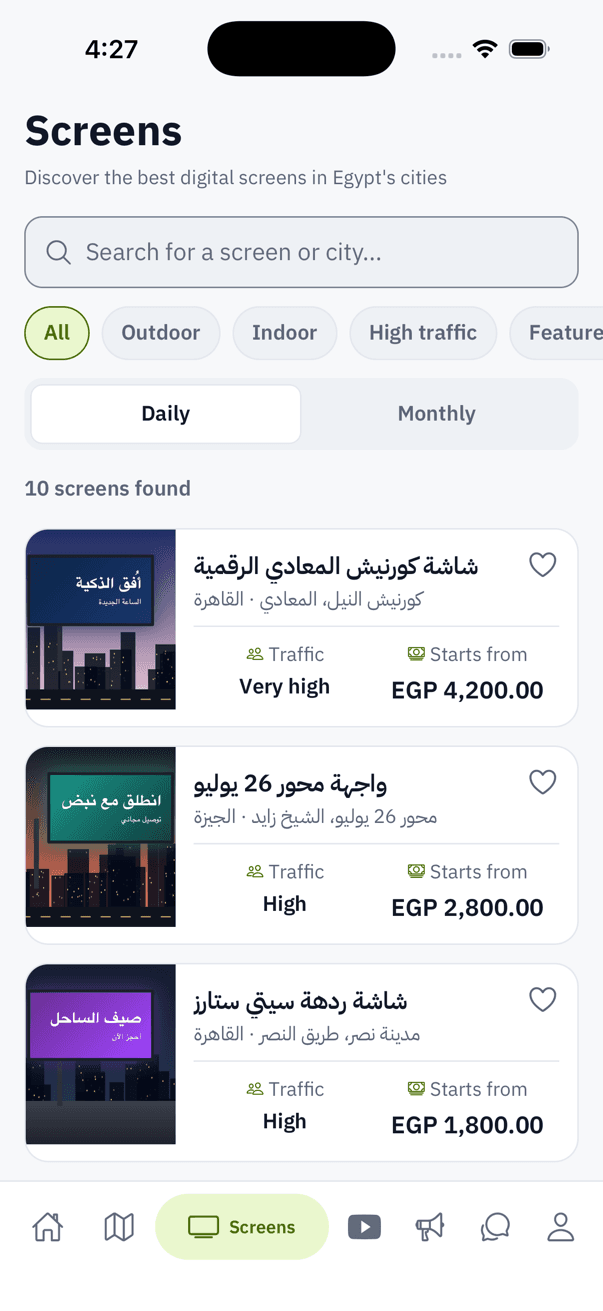
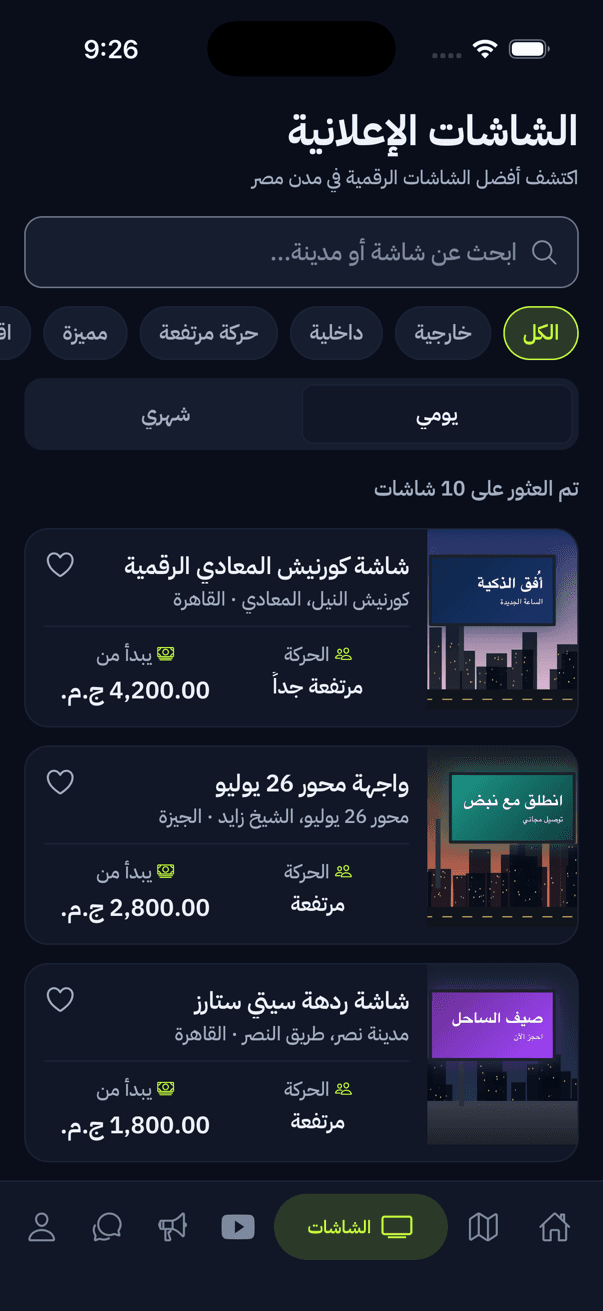
Outdoor and indoor screens with location, size, traffic level, hours and daily or monthly prices. Search by city or budget, or find them on the map.
Cairo, Giza, Alexandria, New Cairo and Sheikh Zayed
Ads inside shows, priced per episode: an in-segment ad of 5 to 120 seconds, a segment sponsorship or a product placement.
TV and radio channels list their Supreme Council for Media Regulation license.
Ads on digital platforms with a clear price per unit, including Ramadan rates.
Every booking goes through the same stages, and both sides see its status at the same time.
Choose dates, upload your creative and send the request. Screens with instant booking accept it straight away.
Pay by bank transfer, InstaPay or mobile wallet within 48 hours, then report the payment in the app.
Once the media owner confirms your payment, the campaign is scheduled for its dates.
Follow the campaign and talk to the owner in the booking's own chat.
The owner uploads proof of play, or proof of airing for shows, before the campaign is completed.
For media owners
List your screens and channels, review every booking request and receive payment from the advertiser directly.
A media owner app for your phone and a web portal. Creators set up their profile and packages in the Gow Ad app.
List your mediaThe platform reviews screens, channels, creators and businesses before advertisers see them.
Messages, files and every status change stay with the booking for both sides.
Screen campaigns end with proof of play, and channel bookings with proof of airing.
No service fee for advertisers. Media owners pay a 5% commission, VAT included.
Change the language and appearance in the app settings. Prices and numbers use Western digits in both languages.
What to know before your first booking.
No. Advertisers in Egypt pay no service fee. You pay the booking price to the media owner.
After the media owner approves your request, pay them directly by bank transfer, InstaPay or mobile wallet within 48 hours and report the payment in the app. The campaign is scheduled once they confirm receipt.
Media owners have up to 72 hours to reply, and screens with instant booking accept requests straight away. A request that is not answered in time expires.
Cairo, Giza, Alexandria, New Cairo and Sheikh Zayed. Creators, channels and digital products are not tied to a city.
MP4 video or JPG and PNG images up to 50 MB.
Gow Ad charges media owners a 5% commission, VAT included, on a monthly commission statement due within 10 days.
After payment, only the platform can cancel a booking. Any refund is settled directly between the advertiser and the media owner.
Open a support request from Contact us in the app or the web portal, linked to a booking if you need. Replies also arrive by email.
Browse screens, creators and shows, then send your first booking request.